
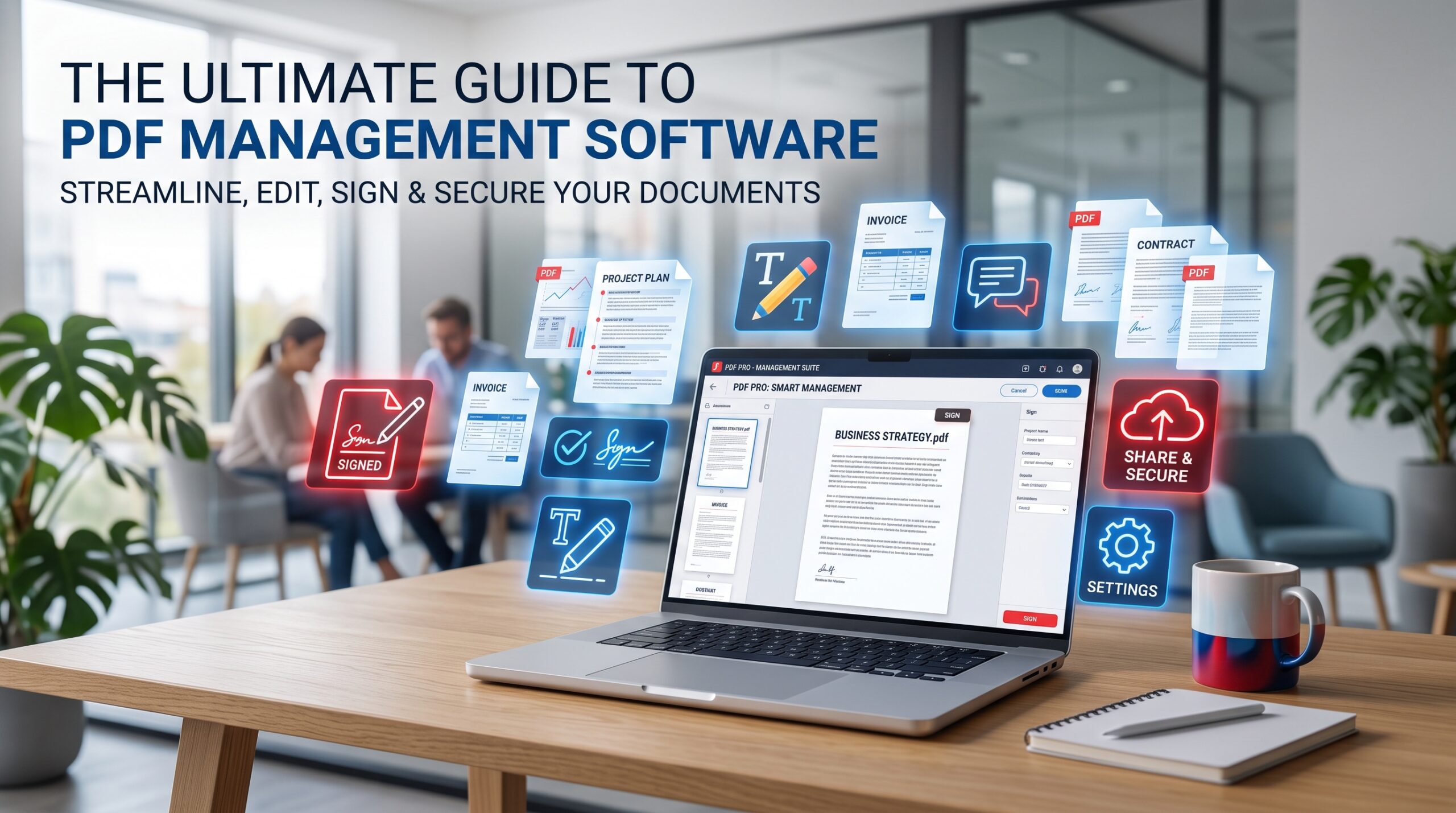
PDF files are used for contracts, invoices, reports, applications, presentations, and business documents. They preserve formatting across devices, but many users need more than a simple PDF reader. They may need to edit text, convert a file, merge pages, add a signature, or protect confidential information.
Adobe Acrobat for Windows combines these tasks in one PDF workflow. The exact features depend on the version and license, so users should review the included tools before choosing a product.
Edit Text and Images in Existing PDFs
One of Acrobat’s most useful features is the ability to make corrections directly inside a PDF. Users can update dates, correct spelling mistakes, replace images, add text, and adjust parts of a document without rebuilding the original file. This is helpful for proposals, brochures, reports, forms, and price lists. For a detailed overview, readers can visit the official Adobe Acrobat editing tools.
Convert PDF Files to Word, Excel, and PowerPoint
PDF is excellent for sharing, but editable formats are often better for reusing information. Acrobat can convert many PDFs into Word, Excel, or PowerPoint files. It can also create PDFs from Office documents and images. Always review the converted file because tables, fonts, and graphics can move slightly.
Make Scanned PDFs Searchable With OCR
A scanned PDF may contain only page images, which means its text cannot be searched or copied. Optical Character Recognition, or OCR, creates a searchable text layer from the scanned image. OCR is useful for archived contracts, receipts, invoices, certificates, and printed forms.
Combine and Organize PDF Pages
Acrobat can combine proposals, pricing sheets, terms, and signed agreements into one PDF and let users reorder, rotate, extract, or delete pages. A logical order makes the final document easier to review.
Fill Out Forms and Add Signatures
Digital forms eliminate the need to print, scan, and email paperwork. Depending on the document and license, users can type into fields, select checkboxes, add dates, and insert a signature. Advanced electronic-signature workflows may require a supported plan.
Protect Confidential PDF Documents
Available protection features can include passwords, permission restrictions, redaction, and metadata removal. Use a proper redaction function that permanently removes sensitive content.
Compare Different Versions
Comparison tools can identify added text, deleted sections, and formatting changes. This is useful for legal agreements, policies, proposals, translations, and compliance documents.
Choosing the Right Acrobat Version for Windows
A basic reader may be enough for opening, reading, and printing PDFs. A professional version is more suitable if you need editing, Office conversion, OCR, forms, comparison, or advanced protection. Before purchasing, check the supported Windows version, device limit, license duration, activation method, and included features.
Users can compare Adobe Acrobat Pro Options for Windows.
If you already know which edition you need, review the Adobe Acrobat Pro 2025 Windows license.
Explore additional digital software at the KeyUpMart software marketplace.
Practical PDF Workflow Tips
Keep original source files, use descriptive names, review formatting after conversion, compress large files, and inspect comments, attachments, metadata, and security settings before sharing.
Frequently Asked Questions
Is Adobe Acrobat available for Windows?
Yes. Adobe Acrobat offers desktop versions for Windows. System requirements and features depend on the edition and license.
Can Adobe Acrobat edit PDF files?
Supported editions can edit text, images, links, and other PDF elements.
Can I convert a PDF to Word or Excel?
Many professional editions support conversion to Microsoft Word, Excel, and PowerPoint.
Does Adobe Acrobat support OCR?
Supported versions include OCR tools that make scanned documents searchable.
Can I sign a PDF with Adobe Acrobat?
You can add a signature to many PDFs; advanced signature workflows may require a compatible service plan.
How do I choose the right Acrobat license?
Consider editing, conversion, OCR, forms, comparison, signing, supported Windows versions, duration, and device limits.
Final Thoughts
Adobe Acrobat for Windows supports creating, editing, converting, organizing, reviewing, signing, and protecting documents. Review the included tools and license terms before purchasing.